App review: Limited builder may be beloved by fans; prepare to spend
Disney Build It: Frozen. (Disney)
Disney Build It: Frozen. (Disney)
Parents need to know that Disney Build It: Frozen allows kids to construct buildings inside a Frozen-themed snow globe. (Common Sense Media/TNS)
Parents need to know that Disney Build It: Frozen allows kids to construct buildings inside a Frozen-themed snow globe. The initial app purchase includes one “world” and a limited number of buildings and characters. Additional worlds, buildings, and characters are available as individual or package in-app purchases. If they play on an iPhone 6s or 6+, kids can use the 3D Touch feature with this app. Read Disney’s group of privacy policies to learn how your information is collected and shared, or read this one in Spanish.
WHAT’S IT ABOUT?
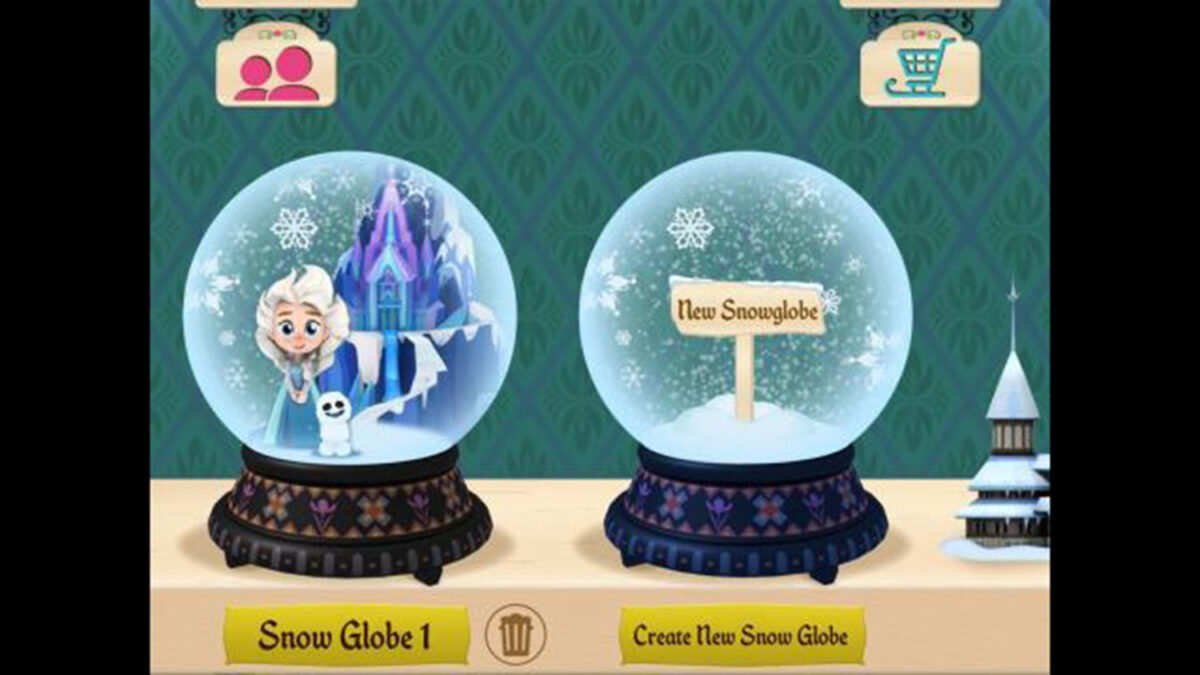
Kids build and decorate a snow globe in Disney Build It: Frozen. Four worlds — only one of which comes with the initial purchase — offer building choices from ice castles to various log cabin-like structures. Building consists of dragging an available structure to a clear area and dropping it. Once they choose a building, kids pick from three colors that are assigned randomly to various parts of their new building. Each building also has a few special features that kids drag from a dock to specified spots. Once finished, kids get bonus items such as snowmen, trees, and more. Then they watch as characters (Elsa and Sven are free) randomly wander around the snow globe or request specific building projects. Other areas and characters in the snow globe are available through in-app purchases.
IS IT ANY GOOD?
Kids have disappointingly few opportunities for real creative expression in this highly prescriptive, Frozen-branded app. Certainly, kids who love everything “Frozen” will enjoy the chance to enter into the “Frozen” fantasy world. Unfortunately, there’s no narrative to carry kids along, and the building opportunities leave little room for personalization or creativity. For example, there are often only two options for building decorations, and they can be positioned only in predetermined places. The building process also doesn’t always make sense: Often it’s entirely unclear what the decoration choices even are supposed to be. Or, why choose colors before making the building? And why not have any control over where each color goes? Once it’s built, there’s no way to interact with the characters or buildings other than to drag them to new areas. One upside is that combining props in groups of four creates something new — four little ponds make a big pond — so there’s some novelty to keep kids going. While kids may have fun making choices and responding to character “requests” for new structures, they’ll inevitably want to see what the other areas and characters offer, so if you download this one, be prepared to spend more than the purchase price and don’t expect your kid to have much control or creative opportunities.
RATING AND CONTENT
Recommended for ages 5 and older
Quality: 2 out of 5
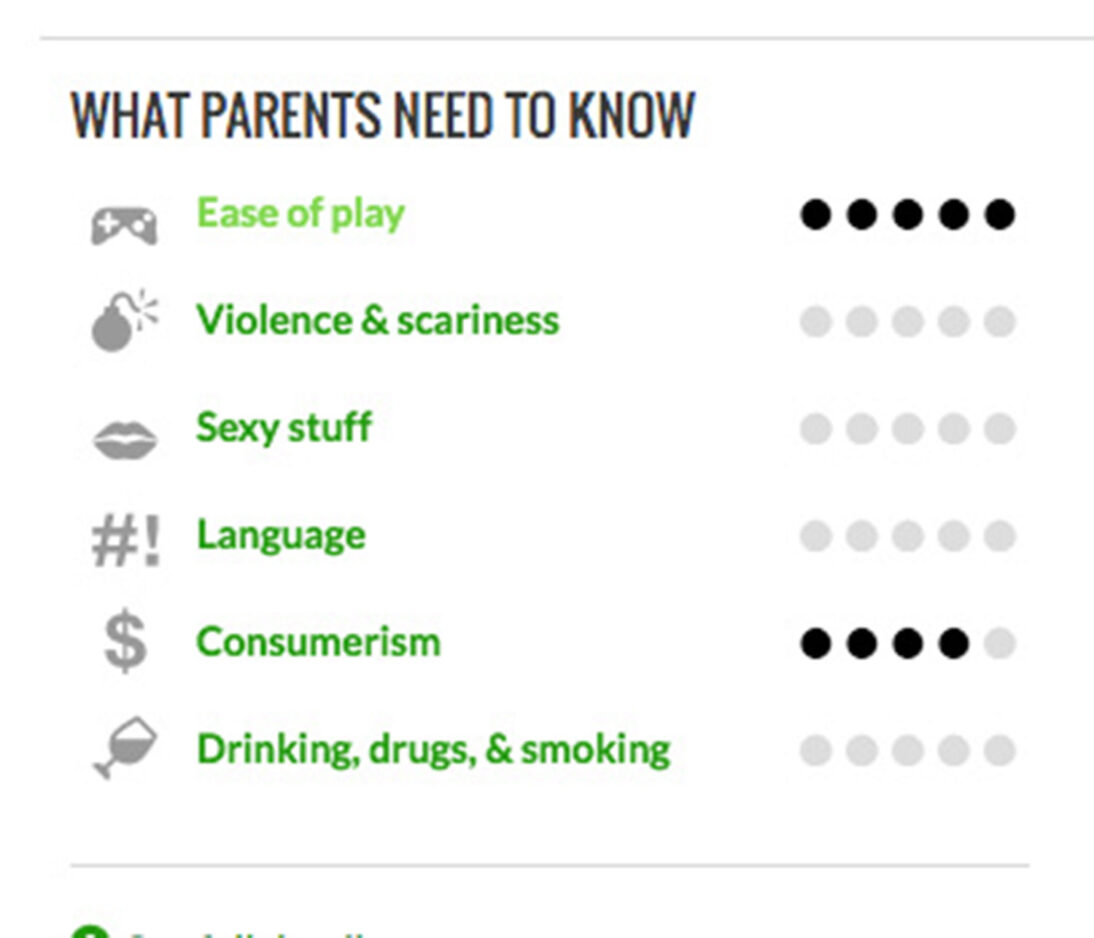
Ease of play: 5 out of 5
Violence: 0 out of 5
Sexy stuff: 0 out of 5
Language: 0 out of 5
Drinking, drugs, and smoking: 0 out of 5
Consumerism: 4 out of 5 (Are products/advertisements embedded? Is the title part of a broader marketing initiative/empire? Is the intent to sell things to kids?)
APP DETAILS
Devices: iPhone, iPod Touch, iPad
Price: $3.99
Release date: March 10, 2016
Category: Entertainment
Size: 91.40 MB
Publisher: Disney
Minimum software requirements: iOS 7.0 or later